
Scheduling is the invisible discipline. When it works, no-one notices. When it breaks, everything breaks — customers wait, techs stand around, materials show up at the wrong site, and the day ends with a pile of angry voicemails. Most home service businesses run their scheduling on a mix of whiteboard, group chat and gut memory. It works fine at one van. It creaks at two. At three, it collapses.
Why scheduling is different for home service
Scheduling for a home service crew is harder than scheduling for a shop or an office because you're dealing with four variables simultaneously: who is available, where they are, what tools and materials they have, and what the customer's time window is. Change any one and the whole day has to be re-solved.
On top of that, home service work is inherently interruptible. Emergency callouts arrive. Jobs run over. Materials suppliers deliver late. A good schedule is not a Gantt chart — it's a plan that survives ten changes a day.
The three tiers of scheduling maturity
Tier one: reactive. One person (usually the owner) holds the schedule in their head or on a whiteboard. They allocate work as it comes in. This works up to about 5 jobs a day.
Tier two: shared. The schedule lives somewhere everyone can see it — a spreadsheet, a shared calendar, a group chat. It's still allocated manually. This works up to about 15 jobs a day and 3 vans.
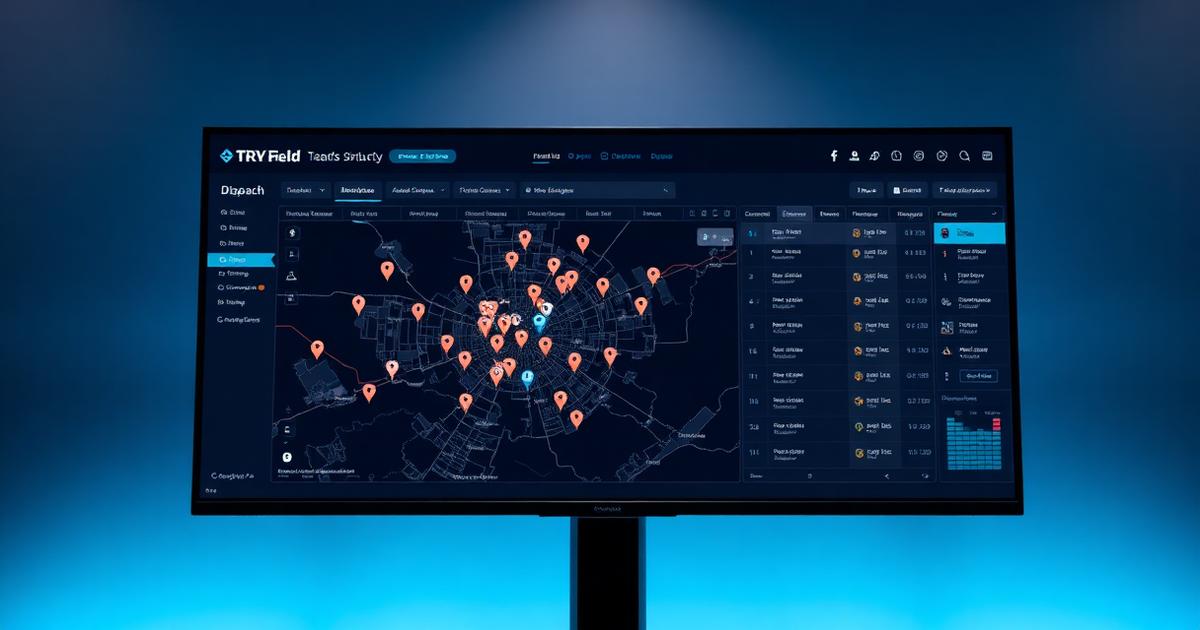
Tier three: systematic. The schedule lives in a dispatch tool that shows jobs on a map, tracks technician availability, sends automatic customer updates, and lets any team member see the full picture at any time. This is required beyond 3 vans.
If you're scaling, you'll hit each tier in sequence. The transitions are painful — try to skip a level and you either over-invest in tooling too early or under-invest and burn out your team.
What a good field schedule actually contains
A proper field schedule shows more than "who's doing what today." It shows:
- Each job's address, time window, and expected duration
- The assigned technician(s) and any second person needed
- Materials required and where they'll be picked up
- The customer's contact and any access notes
- Photos or notes from the previous visit if it's a follow-up
- A live status column: en route / on site / complete / needs follow-up
If any of that is in someone's head, you have a bus problem — the day the wrong person gets sick, everything breaks.
The dispatch rhythm that works
Well-run crews adopt a consistent daily rhythm.
Night before, 5–10 minutes. The owner or coordinator confirms tomorrow's schedule, checks materials, and sends each tech their day.
Morning, 15 minutes. Team huddle (in person or by voice note). Any surprises, any pickups, any handovers.
Throughout the day, live. Techs update status as they go — arrived, complete, needs a return visit. Customers get automatic ETA updates.
End of day, 10 minutes. Coordinator reviews. Anything not complete gets rescheduled. Photos and variations are logged before phones die.
Total scheduling time per day: about 30 minutes across the team. Without a system, most crews spend 90 minutes a day just figuring out where everyone is.
Handling the chaos
Real days don't go to plan. The test of a scheduling system is how well it absorbs disruption.
When an emergency callout comes in, you should be able to see at a glance who's nearest and least disruptable. When a job runs over, the downstream customers should get an automatic update. When a tech calls in sick, their day should be re-allocatable in five minutes.
If any of that takes an hour of shouting into a group chat, your system is broken. Which brings us to the tools.
The tool problem
Most home service crews try to solve scheduling with a general-purpose calendar (Google Calendar, Outlook). It works up to about two vans. Then it falls over because a calendar has no concept of location, technician availability, materials, or customer status.
The next stop is usually a project management tool (Trello, Asana). Also wrong shape — those are built for office knowledge work, not for people driving around.
The right tool is a field service or task management platform designed for home service. It looks like a calendar and a map at the same time. It talks to your quoting and invoicing. It sends customers ETA updates automatically. It survives on a phone in bad signal.
Where the return comes from
Home service businesses that adopt proper dispatch consistently report the same numbers: 15–25% more jobs completed per week (because techs waste less time), 30–50% fewer customer complaints (because ETAs are accurate), and 5–10 hours a week back for the owner (because they've stopped being the dispatcher).
For a two-van crew, that's usually £30k–£60k a year of recovered revenue and margin. For a five-van crew it's more like £100k+.
Absolutely handles job dispatch, technician availability, live customer ETA updates and completion tracking in one place, built for how home service crews actually work. Free for a limited time.