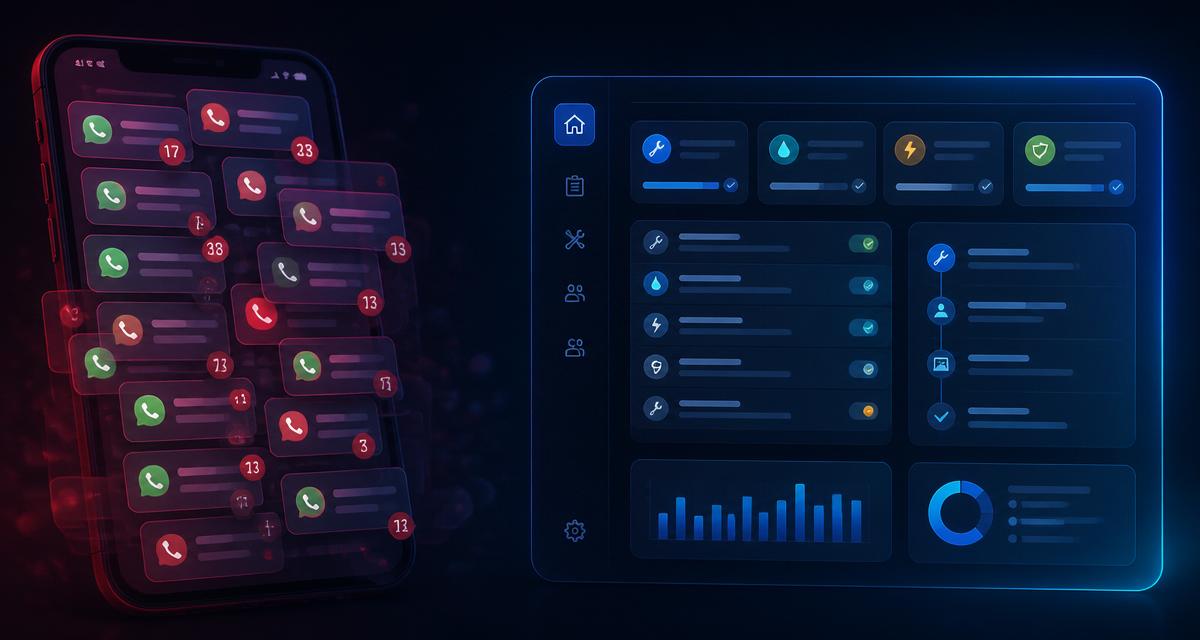
Every home service pro has tried a piece of software that was clearly designed for someone sitting at a desk. It looked fine on the demo. On day one it was useless. The forms had 12 fields. The buttons were tiny. It logged you out every hour. It needed a spreadsheet import to add a customer. It was built for an office admin, not for a plumber standing in a loft with one hand free.
Job management for home service must be mobile-first. Anything else fails on contact with real work.
Why mobile-first is different from mobile-compatible
Mobile-compatible software is a desktop app with a phone-shaped skin. You can technically use it on a phone, but every workflow was designed for a keyboard, mouse, big screen and continuous focus. On a phone, it's clunky, slow and error-prone.
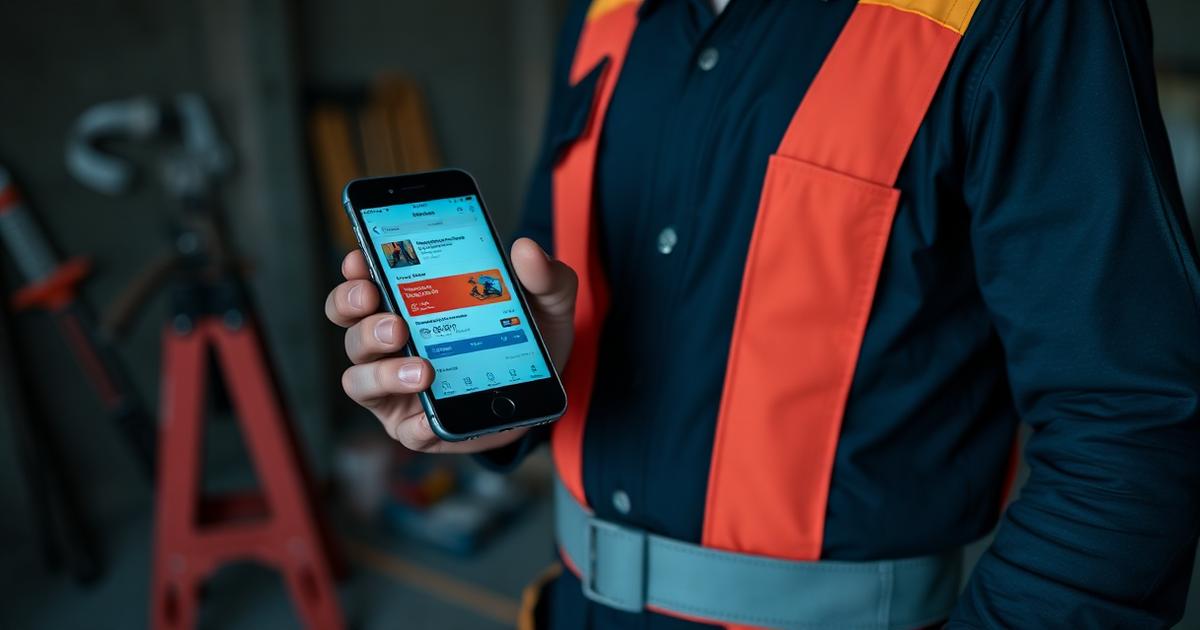
Mobile-first software is designed from scratch for the phone. Every workflow assumes one thumb, a small screen, patchy signal, and interruption every 90 seconds. Fields are minimised. Defaults are smart. Photos are one tap. Common actions live under your thumb, not in a hidden menu.
The difference matters because home service pros are not "sometimes on their phone." They are almost always on their phone. Anything that costs them 30 extra seconds per interaction adds up to hours a week.
What a mobile-first job system does differently
Concrete design choices that separate mobile-first job management from repurposed desktop tools:
One-tap job creation. Address, trade type, urgency. That's it. Everything else can be filled in later.
Photos are first-class. Not "attach a file." A camera button on the job view that adds photos directly, geotagged, timestamped, no upload dance.
Offline capable. Home service work happens in basements, lofts, plant rooms and rural areas where signal drops. A mobile-first system caches everything locally and syncs when signal returns. A desktop-first system loses your work.
Voice input everywhere. Descriptions, variations, handover notes — you should be able to dictate them while your hands are dirty.
Push notifications for actions, not information. Not "you have 3 new emails." Actual "arrive at this job", "quote is 24 hours old", "customer approved variation."
Battery-aware. Doesn't drain your phone in three hours because it's syncing constantly.
The desk trap
Many home service businesses adopt desktop-first job management because the owner or office manager sees a demo at a trade show and it looks impressive on the big screen. Then they roll it out to the techs, who ignore it, because it's unusable on a phone.
Six months later the owner concludes "my team resists new technology." The team doesn't resist technology — they resist bad technology. The moment you give them software that fits their hands, they adopt it in a week.
What "adoption" actually looks like
A mobile-first job management platform, well implemented, hits these adoption benchmarks:
- Techs create or update at least 80% of their jobs from the app within 30 days
- Photo capture per job averages 4+ (before, during, after, plus any variations)
- Voice or in-app messaging replaces at least 60% of team WhatsApp traffic
- Time-to-invoice after job completion drops below 24 hours
If your current system doesn't hit these numbers, it's not that your team is resistant. It's that the software is fighting them.
The signal quality trap
Real home service work happens in real places, which means real signal problems. Any job management system that assumes constant 4G/5G will fail intermittently in ways that erode trust in the whole platform.
Test any prospective tool by using it for a day in the same environments your techs work in — basements, tower blocks, rural jobs. If it wobbles, it will die in the field.
Battery, thumb reach, glove compatibility
Small details that get overlooked in software selection but decide daily usability:
- Battery drain from location tracking. Should be under 5% per hour of active use.
- Thumb reachability. Common actions should be reachable one-handed on a 6.5" phone.
- Glove compatibility. Buttons should work with basic work gloves — no fiddly UI.
- Sunlight readability. High contrast, no thin light-grey text on white.
- Landscape as well as portrait for photos and schedules.
Every one of these matters more than any feature. Software gets used or it doesn't.
What to look for
When evaluating a mobile-first job management tool, ask specifically:
- Was the mobile app designed first, or was the web app designed first?
- Does it work fully offline for at least an hour?
- Can a new tech complete a full job cycle (arrive, capture, complete, invoice trigger) from the phone alone?
- What's the battery drain over 8 hours of active use?
If the vendor can't answer these clearly, they're selling desktop software with a phone port.
Absolutely was designed mobile-first from day one for how home service pros actually work — thumb-reachable, offline-capable, photo-driven, and battery-aware. Free for a limited time.